 PDF Tool
PDF tools for iPhone
Convert, scan and edit PDFs — right on your iPhone.
Turn PDFs into Word, Excel or PowerPoint and back, scan paper, sign, compress and protect. No sign-up.
Coming soon
No account needed · iPhone, iOS 15.5 or later
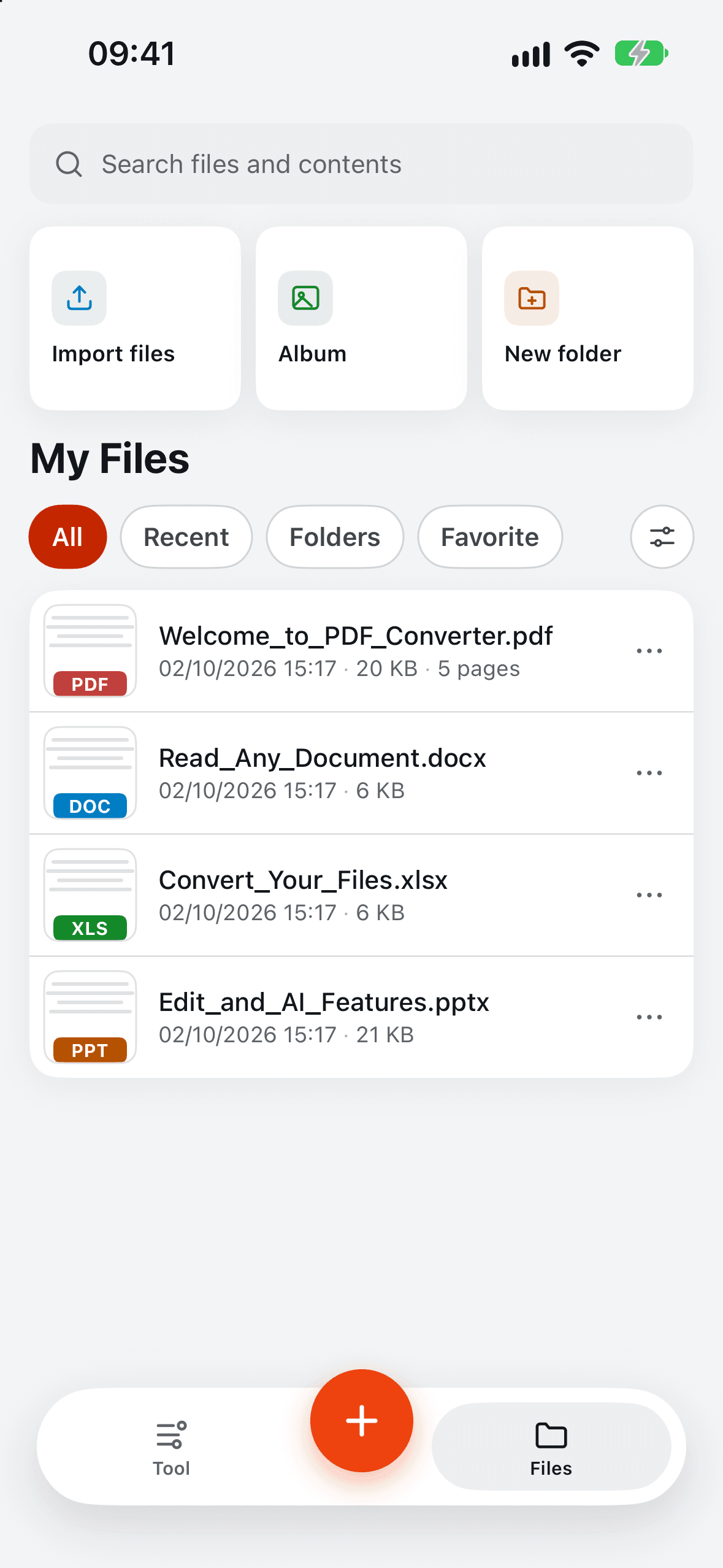
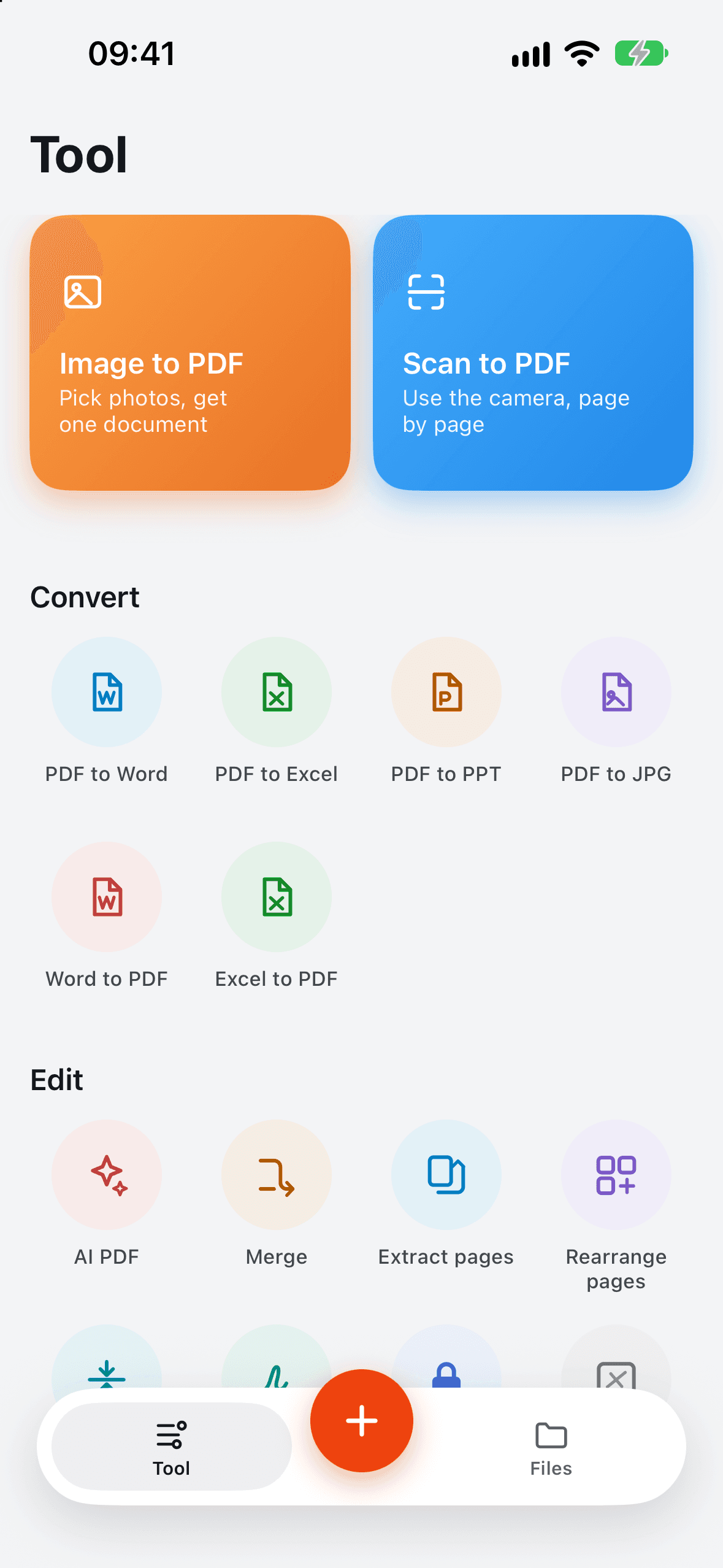
Every everyday PDF job, in one app.
17 tools for the documents you get on your phone.
Convert
PDF to Word, Excel, PowerPoint or JPG — and Word or Excel back to PDF.
Scan & image to PDF
Scan paper with the camera, turn photos into a PDF, pull text out with OCR.
Edit pages
Merge files, extract or rearrange pages, and compress large PDFs.
Sign, watermark, lock
Add your signature or a watermark, and protect a PDF with a password.
AI PDF
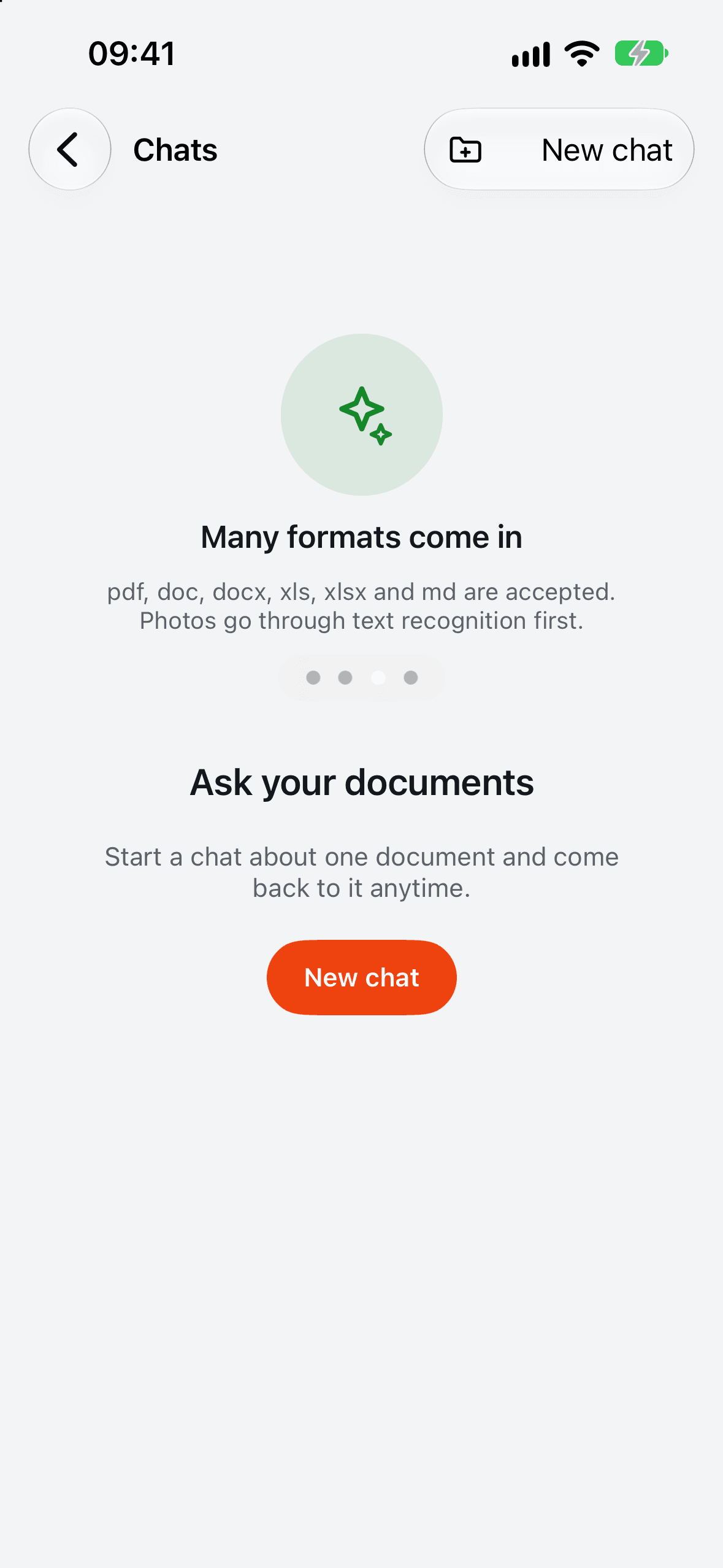
Ask questions about a PDF. Answers point you to the page they came from.
Files & Wi-Fi transfer
Folders and favourites on your phone. Send files from a computer's browser over Wi-Fi.
From PDF to Office, and back.
Pick a file, pick a format, and get an editable document you can share or keep in your library.
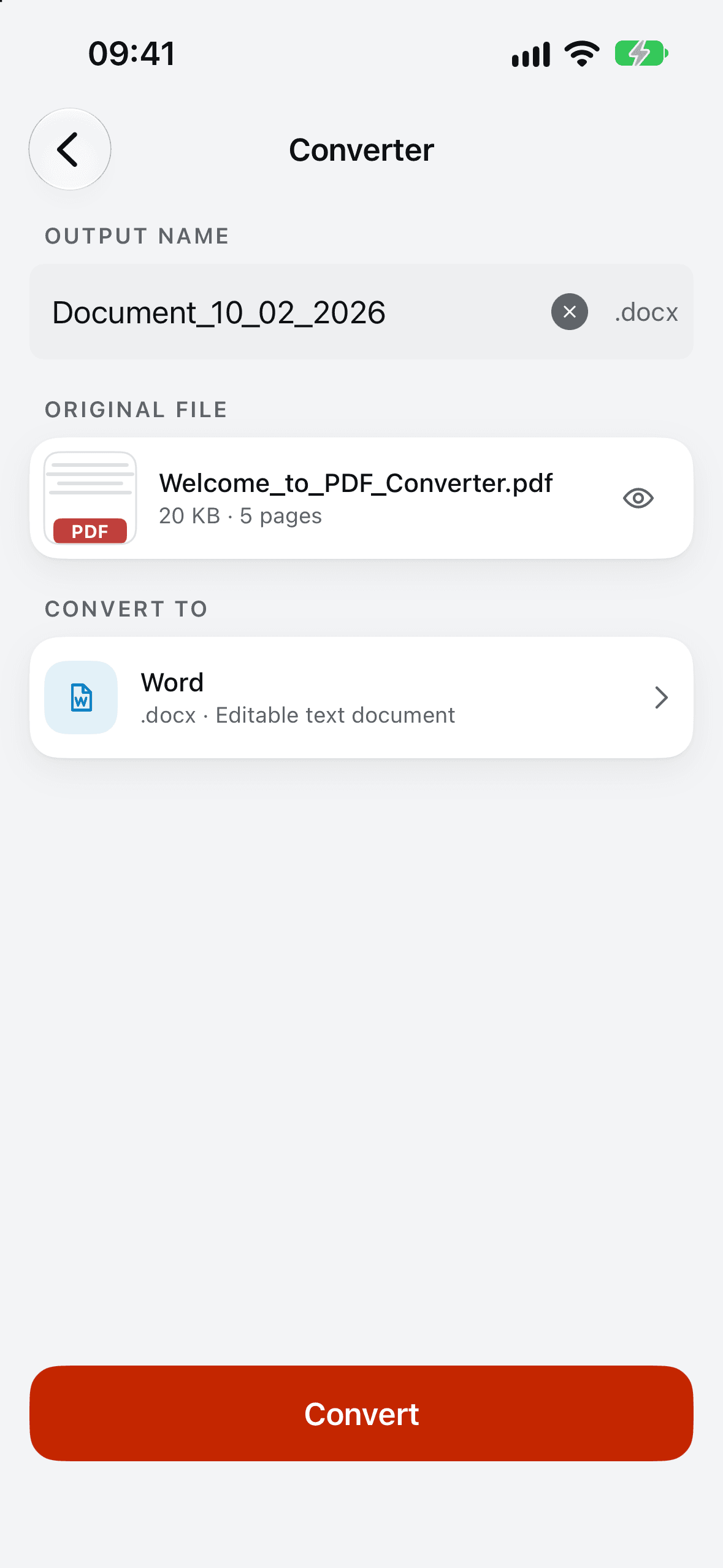
Scan it, sign it, send it.
Scan a paper form, add your signature, compress it and share — without leaving your phone.
Ask your PDF a question.
Get a summary or a straight answer, with page references you can tap to check.
Your files, your phone.
No account. Your documents live in the app on your iPhone. Two kinds of tools need a server — here's exactly which.
Stays on your iPhone
- Scan, OCR and image to PDF
- Merge, extract, rearrange, compress
- Sign, watermark, password lock
- Your file library and favourites
Sent to a server to do the work
- PDF ↔ Word, Excel, PowerPoint conversion — PDF Tool servers, deleted after 24 hours
- AI PDF — the PDF is sent to ChatPDF, a third-party service

Get PDF Tool.
Convert, scan and edit your documents on iPhone.
Coming soon